
Best Screen Printing Presses for a Home Shirt Shop (2026)
The best screen printing presses for a home or garage shirt shop: 4-color presses with micro registration, budget VEVOR presses and a starter kit, plus curing.
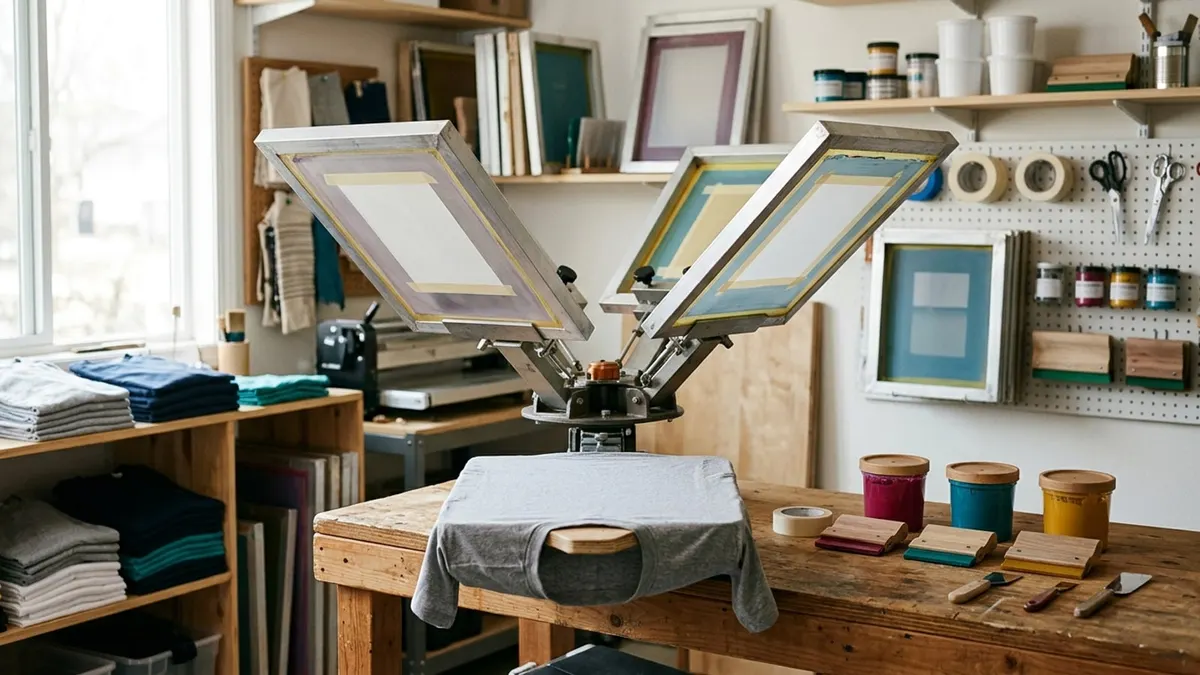
Affiliate disclosure: product links on this page go to Amazon, or to the maker's own store for brands that sell only direct. As an Amazon Associate we earn from qualifying purchases, at no extra cost to you; a link to a maker's store earns us nothing. No retailer or brand sees our picks before they are published or has any say in them. How we choose.
For multi-color shirts, the POVOKICI 4-color, 1-station press with micro registration is the press we would buy for a home shop: four screens rotate over one platen, and the micro-registration clamps let you nudge each screen into alignment, which is the hard part of printing more than one color. On a tighter budget, the VEVOR 4-color, 1-station press is sold by Amazon itself.
New to screen printing? Start with the Speedball Advanced All-In-One kit, which includes a screen, emulsion and an LED exposure lamp, and learn to burn and print a screen before buying a press. Whatever you print with, the step that makes or breaks durability is curing the ink, covered below from the ink makers' guidance.
Press figures come from the Amazon listings (labelled); the process and curing guidance comes from Speedball and Avient (maker of Wilflex inks).
Our top picks at a glance
1. Best for multi-color prints
POVOKICI 4-Color 1-Station Press with Micro RegistrationColors / stations: 4 / 1 · Platen: 17.7 x 21.6 in · Registration: Micro registration · Sold by: Third-party seller
2. Best budget 4-color press
VEVOR 4-Color 1-Station Screen Printing PressColors / stations: 4 / 1 · Platen: 21.2 x 17.7 in · Registration: Position stops · Sold by: Amazon
3. Best for printing several shirts in a row
VEVOR 4-Color 4-Station Screen Printing PressColors / stations: 4 / 4 · Platen: 21.2 x 17.7 in · Registration: Position stops · Sold by: Amazon
4. Best single-color starter
VEVOR 1-Color 1-Station Screen Printing PressColors / stations: 1 / 1 · Platen: 21.2 x 17.7 in · Registration: Position stop · Sold by: Amazon
5. Best way to learn
Speedball Advanced All-In-One Screen Printing Kit (with LED lamp)Colors / stations: Hand printing, no press · Platen: 10 x 14 in screen frame and base · Registration: Frame and base · Sold by: Speedball
| Pick | Colors / stations | Platen | Registration | Sold by | Buy |
|---|---|---|---|---|---|
| POVOKICI 4-Color 1-Station Press with Micro RegistrationBest for multi-color prints | 4 / 1 | 17.7 x 21.6 in | Micro registration | Third-party seller | Amazon |
| VEVOR 4-Color 1-Station Screen Printing PressBest budget 4-color press | 4 / 1 | 21.2 x 17.7 in | Position stops | Amazon | Amazon |
| VEVOR 4-Color 4-Station Screen Printing PressBest for printing several shirts in a row | 4 / 4 | 21.2 x 17.7 in | Position stops | Amazon | Amazon |
| VEVOR 1-Color 1-Station Screen Printing PressBest single-color starter | 1 / 1 | 21.2 x 17.7 in | Position stop | Amazon | Amazon |
| Speedball Advanced All-In-One Screen Printing Kit (with LED lamp)Best way to learn | Hand printing, no press | 10 x 14 in screen frame and base | Frame and base | Speedball | Amazon |
Best for multi-color prints
POVOKICI 4-Color 1-Station Press with Micro Registration
A tabletop 4-color press with micro-registration clamps, which make lining up colors far easier.
- Colors / stations
- 4 / 1
- Platen
- 17.7 x 21.6 in
- Registration
- Micro registration
- Sold by
- Third-party seller
Pros
- Micro-registration clamps for fine adjustment of each screen, per the listing
- Takes frames up to 20 x 24 inches with images up to 15.7 x 20 inches
- Adjustable double springs for frames of different weights; clamps rotate independently
Cons
- Sold by a third-party seller; stock was limited when we checked
- No warranty term in the listing
- Every figure here comes from the listing
On a multi-color design, each color is a separate screen, and each screen has to land in exactly the same place on every shirt. Micro registration lets you move a mounted screen in small, controlled steps instead of loosening and re-clamping it. This POVOKICI listing gives four color heads over one station, a 17.7 by 21.6 inch platen, a maximum frame of 20 by 24 inches, a maximum image of 15.7 by 20 inches, micro-registration clamps and adjustable double springs.
It is a tabletop press, so bolt it to a solid bench. With one station, you print one shirt at a time, rotating each color's screen over it in turn, which is the normal way to start.
Best budget 4-color press
VEVOR 4-Color 1-Station Screen Printing Press
A low-cost steel 4-color, 1-station press with position stops under each arm, sold by Amazon itself.
- Colors / stations
- 4 / 1
- Platen
- 21.2 x 17.7 in
- Registration
- Position stops
- Sold by
- Amazon
Pros
- Cold-rolled steel with a sprayed finish, carbon steel springs and a stainless rod, per the listing
- A position stop under each arm and a double-layer positioning pallet
- Sold by Amazon itself
Cons
- No micro registration, so multi-color alignment takes more care
- Must be screwed to a workbench, per the listing
- No warranty term in the listing
VEVOR's 4-color, 1-station press is the inexpensive way to try multi-color printing. The listing describes cold-rolled steel construction, a 360° rotating body on metal bearings, a positioning stop under each arm, a double-layer positioning pallet, and a 21.2 by 17.7 inch print area. It needs to be screwed down to a workbench for stability.
Without micro registration, you align each screen by hand before clamping it, which is slower but workable for one- and two-color designs. If you plan on four-color work regularly, the micro-registration press above saves time on every job.
Best for printing several shirts in a row
VEVOR 4-Color 4-Station Screen Printing Press
A 4-color, 4-station rotary press, so you can load several shirts and print them in sequence.
- Colors / stations
- 4 / 4
- Platen
- 21.2 x 17.7 in
- Registration
- Position stops
- Sold by
- Amazon
Pros
- Four platens (stations) as well as four screen heads, per the listing
- Same steel build and positioning stops as the 1-station model
- Sold by Amazon itself
Cons
- The listing's warranty field reads: None
- About 78 lb and a larger footprint
- No micro registration
Stations are platens. With four of them, you can load the next shirts while you print the current one, which speeds up runs of the same design. VEVOR's 4-color, 4-station press uses the same steel build, rotating body and positioning stops as its 1-station model, and the listing gives a weight of about 78 lb. Note that its warranty field says none, so buy where returns are simple.
Best single-color starter
VEVOR 1-Color 1-Station Screen Printing Press
A one-color press for simple designs, totes and learning to print, sold by Amazon itself.
- Colors / stations
- 1 / 1
- Platen
- 21.2 x 17.7 in
- Registration
- Position stop
- Sold by
- Amazon
Pros
- The cheapest press here, with adjustable tension, per the listing
- Light, at about 24 lb
- Enough for one-color shirts, totes and posters
Cons
- One color only
- No warranty term in the listing
- You will outgrow it for multi-color work
Many first print jobs are one color: a logo, a band name, a tote. A one-color press holds the screen on a hinge over the platen so each print lands in the same place. VEVOR's 1-color, 1-station press has the same 21.2 by 17.7 inch platen as its larger models and weighs about 24 lb, per the listing.
Best way to learn
Speedball Advanced All-In-One Screen Printing Kit (with LED lamp)
Everything to make and print your first screens, including photo emulsion and an LED exposure lamp, from Speedball's own store.
- Colors / stations
- Hand printing, no press
- Platen
- 10 x 14 in screen frame and base
- Registration
- Frame and base
- Sold by
- Speedball
Pros
- Includes a 10 x 14 inch screen frame and base, a squeegee, four 4 oz fabric inks, diazo emulsion, sensitizer, remover and transparencies, per Speedball
- Includes an LED lamp for exposing screens
- The listing says no light-safe room is needed with Speedball's emulsion and lamp kit
Cons
- Not a press: you print one screen at a time by hand
- Small 10 x 14 inch frame
- Speedball's page does not give heat-setting instructions; follow the booklet in the kit
Screen printing is two skills: making a good screen (coating it with photo emulsion, exposing the design, washing it out) and printing it. Speedball's Advanced All-In-One kit teaches both without a press. Speedball lists a 10 by 14 inch screen frame and base, a craft squeegee, black, red, white and blue fabric inks, diazo photo emulsion with sensitizer and remover, two transparencies and an LED lamp, plus instructions.
Once you can burn and print a clean screen, a press makes it faster and adds multi-color registration. If you want screens without emulsion, Speedball also sells a vinyl kit that uses a cutting machine to make stencils.
Colors, stations and registration
Press listings use two numbers. Colors are the screen heads: a 4-color press holds four screens, one for each color in the design. Stations are the platens that hold the shirts: a 1-station press prints one shirt at a time, a 4-station press holds four. Registration is how accurately each screen returns to the same spot; micro-registration clamps let you fine-tune it.
| Press | Good for |
|---|---|
| 1 color, 1 station | Single-color designs, learning |
| 4 color, 1 station | Multi-color designs, one shirt at a time |
| 4 color, 4 stations | Multi-color runs, loading shirts while printing |
Curing: the step that decides durability
Plastisol, the most common shirt ink, does not dry; it has to be heated until the whole ink layer fuses. Avient's Wilflex curing guide puts it plainly: both time and temperature are important to fully cure plastisol inks. Heat reaches the ink surface first and the ink closest to the fabric last, yet all layers matter: the surface for rub resistance, the inner layer for stretch and wash durability. Avient recommends checking ink temperature with a thermoprobe on every production run.
Polyester adds a twist. Avient says dye migration (shirt dye bleeding into the ink) starts once the fabric reaches 280°F, and dyes most actively attack the ink between 280 and 320°F, so for polyester it recommends a low-cure ink that fuses before the dye releases. Always follow the cure temperature on your ink's data sheet, and test a printed shirt by stretching and washing it before you sell.
A home shop usually cures with a flash dryer or a conveyor dryer. Budget for one alongside the press; the ink maker's data sheet tells you the target temperature.
What else you need
- Screens (frames with mesh) and photo emulsion, or vinyl stencils
- A way to expose screens: an exposure unit or an LED lamp like Speedball's
- Squeegees, ink, tape and a washout area
- A dryer or flash cure unit, and a thermoprobe or temperature gun
Is screen printing right for you?
Screen printing is cheapest per shirt on runs of the same design, because the screen is the main setup cost. For one-offs and full-color photos, DTF or vinyl is usually more practical. Our HTV, DTF and screen printing comparison lays out the trade-offs, and the DTF printer guide covers the full-color alternative.
Frequently asked questions
What does 4 color 1 station mean on a screen printing press?
The press holds four screens (one per color) that rotate over one platen, so you print one shirt at a time with up to four colors. A 4 color 4 station press adds three more platens, so you can load shirts while printing.
What is micro registration?
Fine-adjustment controls on each screen clamp that let you move a mounted screen in small steps to line up colors exactly. It makes multi-color printing faster and more accurate than aligning screens by hand.
Do I need a dryer to screen print shirts?
For plastisol ink, yes: it must be heated until the whole ink layer fuses. Avient says both time and temperature matter and recommends checking ink temperature with a thermoprobe. Water-based fabric inks also need heat-setting per the ink maker.
Can I learn screen printing without a press?
Yes. A kit like Speedball's Advanced All-In-One includes a screen frame and base, emulsion, inks and an LED exposure lamp, so you can make and print screens by hand before buying a press.
Why does ink bleed on polyester shirts?
Dye migration. Avient says it starts when the fabric reaches 280°F and is most active between 280 and 320°F, so it recommends low-cure inks for polyester that fuse before the dye releases.
Sources
- Advanced All-In-One Screen Printing Kit, Speedball
- Tips & Techniques: Ink Curing Tips, Avient (Wilflex)
- Printing Performance Wear Tips, Avient
Cover image: Illustration: CraftsCall (AI-generated)
Related guides
Best Button Makers for Pins, Badges and Craft Fair Sales (2026)
Six button makers from a lifetime-warranty steel press to a budget three-size kit, plus the cut-size chart every button maker needs.
Best Vinyl Cutters for Making Shirts with HTV (2026)
Five cutters for HTV shirts compared on cut width, matless length, software and connectivity, from a compact Joy Xtra to a 24 inch roll cutter.
HTV vs DTF vs Screen Printing: Which Shirt Method Fits Your Orders
Three ways to decorate shirts, compared on what designs they handle, which order sizes they suit, and what each takes to set up.