
Heat Press Settings Chart: Time, Temperature and Pressure by Material
Heat press time, temperature, pressure and peel for HTV, DTF and sublimation, copied from Siser, Stahls' and Sawgrass instructions, with a quick finder tool.
Affiliate disclosure: product links on this page go to Amazon, or to the maker's own store for brands that sell only direct. As an Amazon Associate we earn from qualifying purchases, at no extra cost to you; a link to a maker's store earns us nothing. No retailer or brand sees our picks before they are published or has any say in them. How we choose.
The right heat press setting is the one printed by whoever made your vinyl, transfer or blank. This finder and the table below collect those settings straight from the makers' instructions: Siser for EasyWeed and Glitter, Stahls' for its CAD-CUT vinyls and UltraColor MAX DTF transfers, and Sawgrass for sublimation on polyester and ceramic mugs. Choose a method and material to see the temperature, time, pressure and peel, with the source.
Two cautions apply to every row. Stahls writes its settings for its own Hotronix presses, and Sawgrass calls its chart a starting place, so press a test piece first. And when the instructions that came with your material differ from a chart, the instructions win.
Find the maker's settings
Temperature
305°F
Time
10 to 15 seconds
Pressure
Medium
Peel
Hot or cold
Fabrics: Cotton, polyester, cotton/poly blends, leather
- Preheat the garment for 2 to 3 seconds.
- Cover with a heat transfer cover sheet or multipurpose paper.
- Siser tells EasyPress users to add about 30 to the heat press temperature.
Settings are copied from each maker's published instructions and are a starting point. Press a test piece first, and follow the instructions that came with your own vinyl, transfer or blank if they differ.
All settings in one table
Every row is copied from the maker's document named in the last column. Celsius figures are the makers' own where they print one.
| Material | Temperature | Time | Pressure | Peel | Source |
|---|---|---|---|---|---|
| Siser EasyWeed (HTV) | 305°F (150°C) | 10 to 15 s | Medium | Hot or cold | Siser |
| Siser Glitter (HTV) | 320°F (160°C) | 15 to 20 s | Medium | Warm | Siser |
| Stahls' CAD-CUT Premium Plus (HTV) | 280 to 300°F | 8 to 12 s | Medium | Low tack warm, high tack hot | Stahls' |
| Stahls' CAD-CUT Thermo-FILM (HTV) | 330°F | 6 to 8 s | Medium | Hot | Stahls' |
| Stahls' CAD-CUT Glitter Flake (HTV) | 290 to 302°F | 10 to 12 s | Medium | Hot | Stahls' |
| Stahls' CAD-CUT Metallic (HTV) | 285°F | 8 to 10 s | Medium | Cold | Stahls' |
| Stahls' CAD-CUT Soft Flock (HTV) | 311°F | 15 s | Light to medium | Warm | Stahls' |
| Stahls' CAD-CUT Hologram (HTV) | 320°F | 10 to 15 s | Firm | Cold | Stahls' |
| Stahls' UltraColor MAX DTF, 100% cotton | 325°F (163°C) | 12 to 15 s | Medium | Hot | Stahls' |
| Stahls' UltraColor MAX DTF, other fabrics | 290°F (145°C) | 12 to 15 s | Medium | Hot | Stahls' |
| Sublimation, polyester fabric | 400°F | 35 to 40 s | 40 psi (medium) | Remove paper on opening | Sawgrass |
| Sublimation, ceramic mugs | 350 to 400°F | 150 to 210 s | 40 psi (medium) | Remove paper on opening | Sawgrass |
How to use these settings
Pre-press the garment
Siser tells you to preheat the garment for 2 to 3 seconds before applying EasyWeed or Glitter, and Sawgrass says to pre-press a shirt for 3 to 5 seconds to remove moisture before sublimating. Pre-pressing also flattens wrinkles that would leave gaps under the transfer.
Peel: hot, warm or cold
The peel column says when to remove the carrier sheet. Hot means right away, warm means after a short cool (Siser says at least 15 seconds off the press for Glitter), and cold means once the transfer is cool to the touch. Peeling at the wrong stage is a common cause of vinyl lifting or a DTF print tearing.
Pressure words
Light, medium and firm are the makers' words, and what they mean in practice depends on your press. Sawgrass gives medium as 40 psi. On a press with a pressure readout or set pressure, like the Cricut AutoPress 2 or a Hotronix, you can repeat a setting exactly; on a knob press, set it once with a test piece and mark the knob. Our best heat press guide compares how each press sets pressure.
Handheld presses
The settings above are for heat presses. Handheld presses apply less, less even pressure, and some makers adjust for that: Siser tells EasyPress users to add about 30 degrees to its EasyWeed and Glitter temperatures. Check your material maker's instructions for handheld settings before you use a heat press figure on a handheld press.
Check your press temperature
A press display shows what its sensor reads, not necessarily what the plate surface delivers everywhere. Stahls' buying guide notes that a bimetallic thermometer can vary by 5 to 10 degrees while an RTD probe stays within about 2 degrees. If results are inconsistent at the stated setting, check the plate with a surface thermometer before changing your settings.
Choosing a method
Heat transfer vinyl works on cotton, polyester and blends and suits simple, one- to three-color designs. DTF transfers carry full-color designs onto cotton and dark garments. Sublimation gives the softest, most permanent print but only on polyester or coated blanks, in light colors. Our HTV, DTF and screen printing comparison and DTF versus sublimation guide explain which method fits which product.
Frequently asked questions
What temperature do you heat press HTV at?
It depends on the vinyl. Siser gives EasyWeed 305°F for 10 to 15 seconds at medium pressure, while Stahls' CAD-CUT Premium Plus is 280 to 300°F for 8 to 12 seconds. Always use the settings for the exact vinyl you bought.
What are the heat press settings for DTF transfers?
Stahls' UltraColor MAX DTF transfers go on at 325°F on 100% cotton and 290°F on other fabrics, for 12 to 15 seconds at medium pressure, peeled hot. Other DTF suppliers print their own settings, which can differ, so follow the sheet that came with your transfers.
What temperature is sublimation on a polyester shirt?
Sawgrass's quick reference gives polyester fabric 400°F for 35 to 40 seconds at 40 psi (medium), after a 3 to 5 second pre-press. Sawgrass calls the chart a starting place, so test on your press.
Why does my vinyl peel off after washing?
Usually too little time, temperature or pressure, peeling at the wrong stage, or washing too soon. Siser, for example, says to wait 24 hours before the first wash of EasyWeed. Check the press temperature with a surface thermometer and re-press with a cover sheet.
Should I use the same settings on a Cricut EasyPress?
Not always. Siser tells EasyPress users to add about 30 degrees to its heat press temperatures for EasyWeed and Glitter. Look for handheld or EasyPress settings in your material maker's instructions.
What does medium pressure mean on a heat press?
Sawgrass describes medium as 40 psi. On a manual press it is usually set by feel; on presses with a readout or set pressure you can repeat it exactly. Press a test piece to confirm the setting on your machine.
Sources
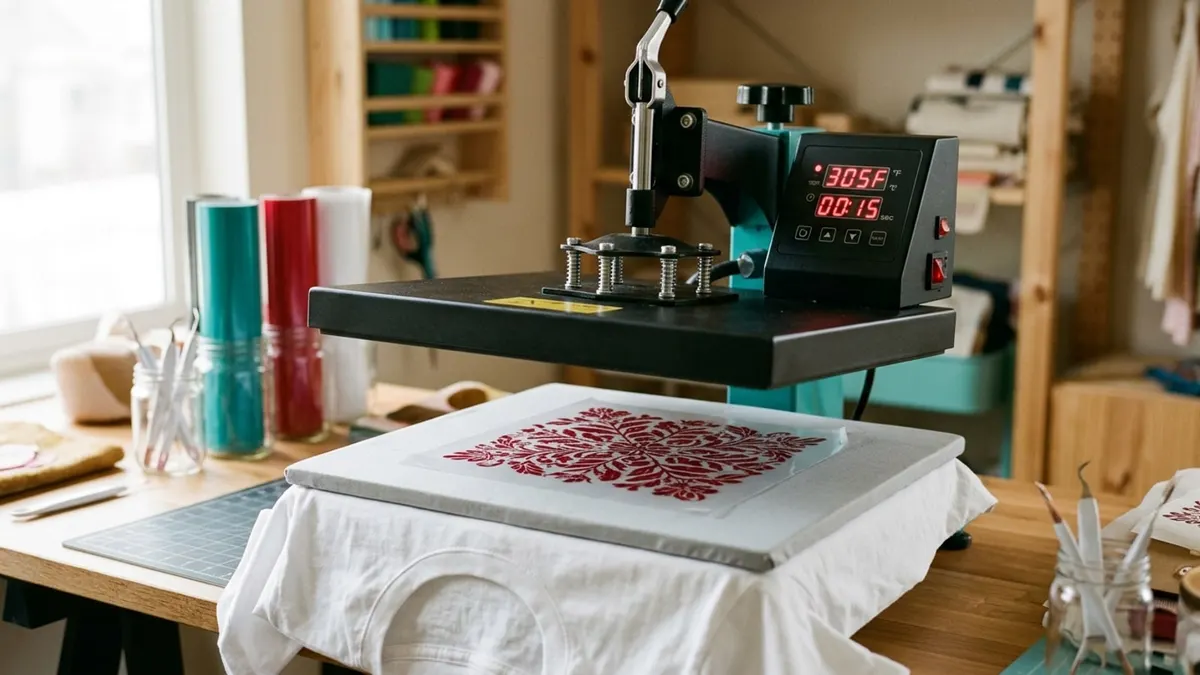
Cover image: Illustration: CraftsCall (AI-generated)
Related guides
Best Hat Presses for Caps and Trucker Hats (2026)
Six ways to press a cap, from an auto press with 176 lb of pressure to a pro press with a heated lower platen, compared on platens, heat and pressure.
Best Heat Presses for T-Shirts and Small Shops (2026)
Six presses for shirt makers, from a handheld 12 x 10 to a shop-grade auto-open clam, compared on platen size, press style, pressure and power.
Best Mug Presses for Sublimation and Infusible Ink (2026)
Five ways to press mugs, from Cricut's one-touch Mug Press to a dual-station press that does two 11 oz mugs at once.